
Introduction
Accounting software is evolving from a digital ledger into a connected finance workspace. Recent QuickBooks product updates highlight AI-assisted business questions, financial insights, cash-flow forecasting and scenario planning. These capabilities can help owners explore their numbers more quickly, but they do not remove the need for accurate records or professional review.
This article explains how businesses should evaluate the newer generation of QuickBooks capabilities and use them responsibly.
From recording transactions to understanding performance
Traditional bookkeeping focuses on recording sales, purchases, expenses and payments. Modern platforms increasingly add tools that summarise performance, identify trends and help users ask questions in everyday language. This can make financial information more accessible to owners who do not work in accounting every day.
The quality of any insight still depends on whether transactions are complete, reconciliations are current and account coding is consistent.
AI and automation areas to evaluate
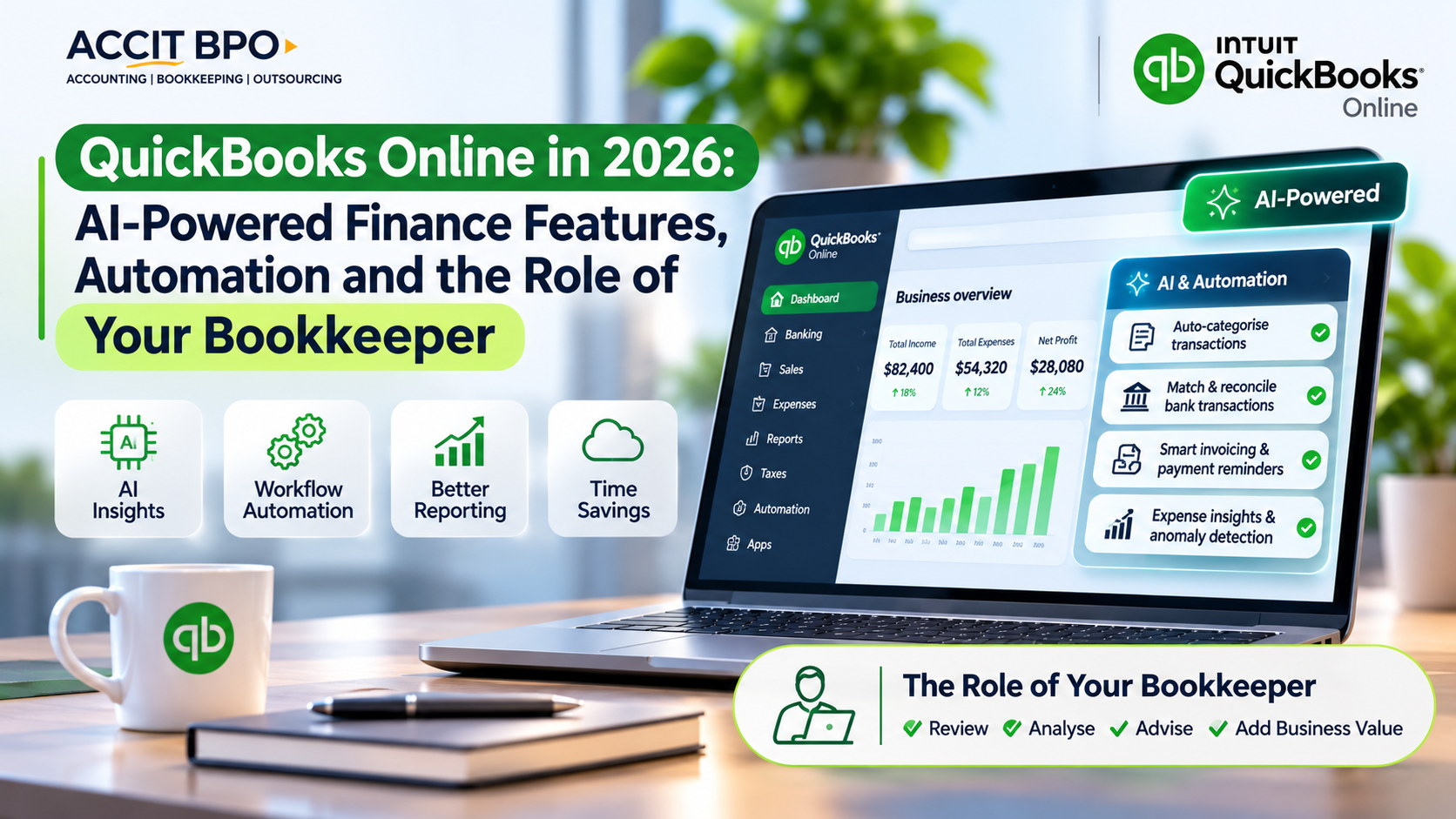
Depending on product edition, region and subscription, businesses may encounter:
- Suggested transaction categorisation and matching.
- Receipt and bill data extraction.
- Invoice preparation and payment follow-up workflows.
- Plain-language questions about business performance.
- Cash-flow forecasts using ledger and bank activity.
- What-if modelling for decisions such as hiring, pricing or purchasing.
Check the exact availability, beta status, plan restrictions and regional access before planning a process around a feature.
Do not confuse an insight with an approved decision
An AI-generated explanation may highlight a change in expenses, but the owner still needs to understand why it occurred. A forecast is an estimate, not a promise. A draft invoice must be checked for the correct customer, services, tax treatment and due date before it is sent.
Keep approvals for invoices, journals, payroll and payments with authorised people. Review source transactions when a result appears unusual.
How to prepare a QuickBooks file
1. Reconcile bank and credit-card accounts regularly.
2. Review duplicate suppliers, customers and products.
3. Correct old suspense and clearing-account balances.
4. Confirm opening balances and accounting periods.
5. Use consistent account coding and document attachment practices.
6. Restrict user permissions according to job responsibilities.
Questions to ask before enabling new features
What data does the feature use? Which users can access it? Does it create a draft or perform an action? Can the action be reversed? Is there an audit trail? Does it work with your country edition and subscription? These questions help prevent an exciting feature from becoming an uncontrolled process.
FAQs
### Can QuickBooks AI replace monthly bookkeeping?
No. AI can assist with parts of the process, but reconciliations, exception handling, review and financial accountability remain necessary.
### Are all AI features available to every QuickBooks user?
No. Availability may vary by country, plan, product version and release stage. Check current official product documentation.
### Should a business use AI-generated cash-flow forecasts?
They can be useful as one input, provided the underlying data is current and assumptions are reviewed against real business conditions.
ACCIT BPO QuickBooks support
ACCIT BPO provides QuickBooks bookkeeping, clean-up, reconciliation and workflow support. We help businesses keep their accounting data organised so software features and reports are more useful.
**CTA:** Contact ACCIT BPO to review your QuickBooks setup and bookkeeping process.