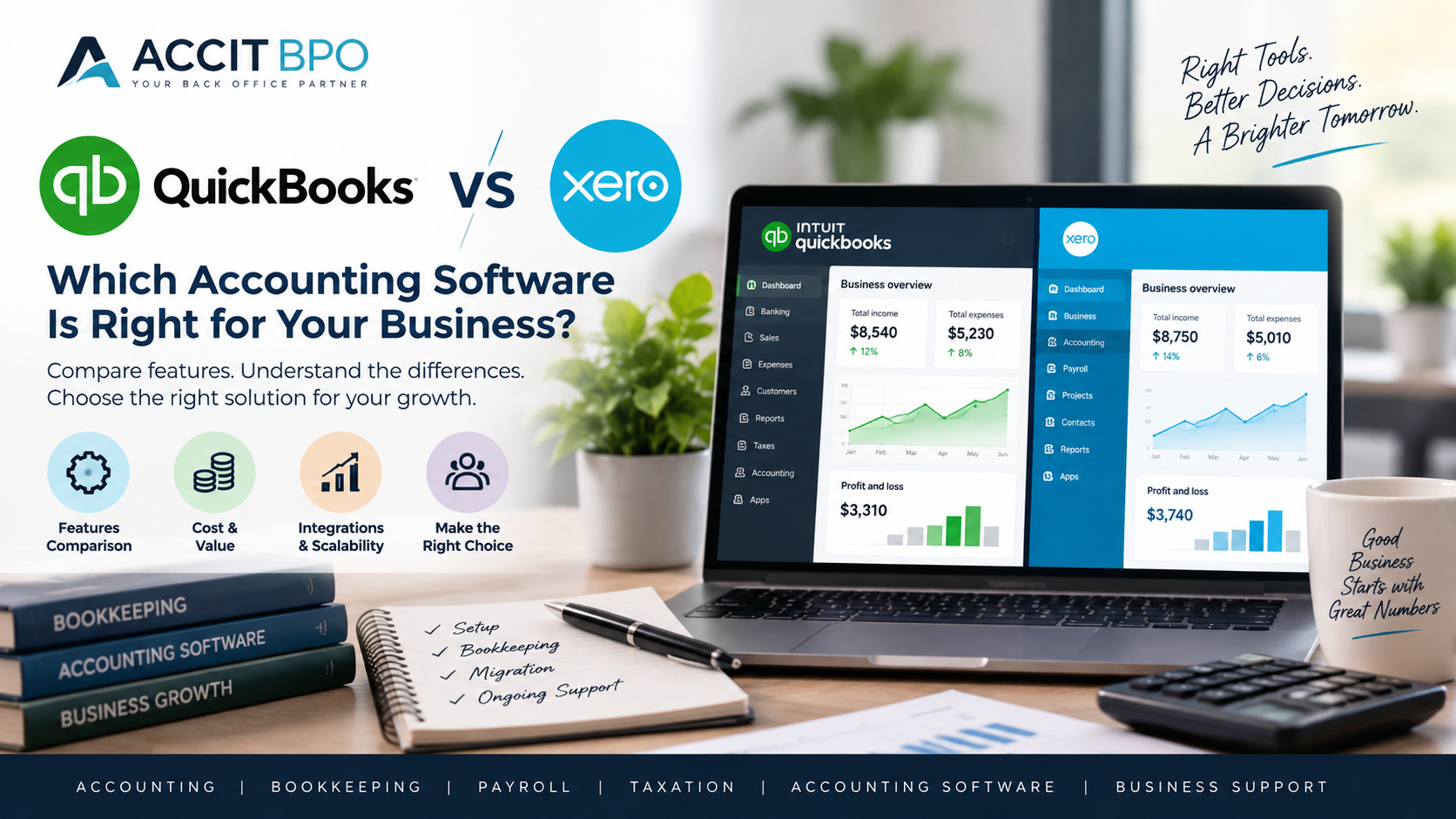
QuickBooks vs Xero: Which Accounting Software Is Right for Your Business?
Choosing the right accounting software is an important decision for any growing business.
Your accounting system is responsible for much more than recording income and expenses. It can become the central place for managing invoices, bills, bank transactions, financial reports, customers, suppliers, and other financial information.
Two well-known cloud accounting platforms are QuickBooks and Xero.
Both platforms can support small and medium-sized businesses, but the right choice depends on your business structure, accounting requirements, transaction volume, integrations, reporting needs, and the way you manage your finances.
In this guide, we compare QuickBooks and Xero across several important areas to help you understand the differences and identify which platform may be more suitable for your business.
WHAT ARE QUICKBOOKS AND XERO?
QuickBooks and Xero are cloud-based accounting platforms designed to help businesses manage their financial records online.
Both platforms can be used for activities such as:
• Recording income and expenses
• Managing invoices
• Managing bills and suppliers
• Bank reconciliation
• Financial reporting
• Tracking business transactions
• Managing customer and supplier information
• Connecting with third-party applications
• Collaborating with accountants and bookkeepers
The exact features and availability can vary depending on the subscription plan, country, and business requirements.
QUICKBOOKS VS XERO: AT A GLANCE
When comparing QuickBooks and Xero, businesses should consider several factors rather than looking only at the monthly subscription price.
Important areas to compare include:
• Ease of use
• Bank reconciliation
• Invoicing
• Expense management
• Financial reporting
• Payroll requirements
• Inventory requirements
• Integrations
• Multi-currency requirements
• User access
• Business size and complexity
• Accountant or bookkeeper support
Let's look at some of these areas in more detail.
1. EASE OF USE
The accounting software you choose should be practical for the people who will use it regularly.
Both QuickBooks and Xero are designed to make accounting processes easier to manage compared with maintaining financial records manually.
However, the user experience and workflow can feel different between the two platforms.
Some business owners may prefer the way QuickBooks organises certain accounting functions, while others may prefer Xero's interface and workflow.
The best approach is to consider who will actually use the software.
If the business owner manages day-to-day transactions, ease of navigation may be particularly important.
If an external bookkeeper or accountant manages the accounts, the focus may be more on workflow, reporting, collaboration, and accounting processes.
2. BANK RECONCILIATION
Bank reconciliation is one of the most important bookkeeping activities for any business.
It involves comparing the transactions recorded in the accounting system with the transactions shown on the bank statement.
Both QuickBooks and Xero provide tools to help businesses manage bank transactions and reconciliation.
However, having an accounting software platform does not automatically mean that the accounts are accurate.
Businesses still need a proper reconciliation process.
Transactions should be reviewed regularly, correctly categorised, and matched to invoices, bills, payments, and other supporting records where applicable.
3. INVOICING
Both QuickBooks and Xero can support business invoicing.
Businesses can create customer invoices, monitor outstanding balances, and keep track of accounts receivable.
When comparing the two platforms, businesses should consider:
• How invoices are created
• Invoice customisation
• Recurring invoices
• Payment options
• Customer management
• Accounts receivable reporting
• Integration with other business applications
The most suitable option may depend on the type and volume of invoices your business generates.
4. EXPENSE AND BILL MANAGEMENT
Managing business expenses is another important part of bookkeeping.
Businesses need to ensure that expenses are recorded in the correct accounts and that supplier bills are properly tracked.
Both QuickBooks and Xero can be used to manage business expenses and accounts payable.
However, the important factor is not simply whether the software has an expense or bill management function.
The bookkeeping process behind the software also matters.
Incorrect categorisation, duplicate entries, missing bills, and unreconciled transactions can still occur if the accounts are not reviewed properly.
5. FINANCIAL REPORTING
Financial reports help business owners understand how their company is performing.
Common reports include:
• Profit and Loss Statement
• Balance Sheet
• Cash Flow information
• Accounts Receivable Aging
• Accounts Payable Aging
• Expense reports
• General ledger reports
Both QuickBooks and Xero provide financial reporting capabilities.
Before selecting a platform, businesses should identify the reports they actually need to manage their operations.
For example, a small service business may have relatively straightforward reporting requirements, while an e-commerce company with inventory and multiple sales channels may require more detailed reporting and integrations.
6. MULTI-CURRENCY ACCOUNTING
Businesses operating internationally may need to manage transactions in multiple currencies.
If your business receives payments, pays suppliers, or maintains accounts in different currencies, multi-currency accounting becomes an important consideration.
Before choosing an accounting platform, check whether the specific subscription plan and country version you intend to use supports your required multi-currency workflow.
It is also important to establish a proper bookkeeping process for foreign exchange gains and losses and currency-related transactions.
7. INTEGRATIONS
Modern businesses often use several different applications.
For example, an e-commerce business may use:
• Shopify
• Amazon
• Stripe
• PayPal
• WooCommerce
A growing business may also use separate systems for payroll, inventory, customer relationship management, payments, and reporting.
Therefore, accounting software should not be evaluated in isolation.
Before selecting QuickBooks or Xero, review whether the applications your business already uses can integrate effectively with the accounting platform.
8. E-COMMERCE BUSINESSES
E-commerce businesses often have more complicated bookkeeping requirements.
A business selling through Shopify, Amazon, eBay, or other sales channels may have large numbers of transactions every month.
There may also be:
• Payment processing fees
• Refunds
• Discounts
• Shipping costs
• Inventory transactions
• Multiple sales channels
• Multiple currencies
• Marketplace fees
For these businesses, choosing accounting software should be part of a wider accounting system design.
The business should consider how sales data, payment data, inventory information, and accounting records will flow into the accounting system.
9. GROWING BUSINESSES
The accounting system that works for a small startup may not necessarily be suitable as the business grows.
When comparing QuickBooks and Xero, think about your future requirements as well as your current needs.
Ask yourself:
• Will transaction volume increase?
• Will the business add employees?
• Will you operate in multiple countries?
• Will you add more sales channels?
• Will you need more detailed financial reporting?
• Will you need inventory management?
• Will multiple people need access to the accounting system?
• Will your business require integrations with other applications?
Choosing a system that can support your expected growth can reduce the need for unnecessary software changes later.
QUICKBOOKS VS XERO: WHICH ONE SHOULD YOU CHOOSE?
There is no single accounting platform that is right for every business.
The right choice depends on your individual business requirements.
QuickBooks may be suitable for businesses that prefer its particular accounting workflows, reporting environment, integrations, and overall user experience.
Xero may be suitable for businesses that prefer its interface, collaboration environment, accounting workflows, and ecosystem of integrations.
Instead of asking:
"Which software is better?"
A more useful question is:
"Which software is better suited to my business?"
Before making a decision, consider:
• Your industry
• Business size
• Number of transactions
• Number of users
• Bank accounts
• Currency requirements
• Payroll requirements
• Inventory requirements
• E-commerce platforms
• Payment processors
• Reporting requirements
• Existing integrations
• Future growth plans
WHAT IF YOU ALREADY HAVE QUICKBOOKS OR XERO?
You do not necessarily need to change accounting software simply because another platform has different features.
If your existing accounting system is working well and your financial records are accurate, changing platforms may create additional work.
Before migrating, businesses should consider:
• Why are we changing?
• What problem are we trying to solve?
• Is the current accounting system properly configured?
• Are there bookkeeping errors that need to be corrected?
• What historical data needs to be migrated?
• Which integrations need to be connected?
• How will opening balances be transferred?
• How will bank accounts and reconciliations be handled?
A software migration should be planned carefully.
QUICKBOOKS TO XERO MIGRATION
Businesses sometimes decide to move from QuickBooks to Xero because their business requirements have changed.
A successful migration involves more than simply moving data from one platform to another.
The process may include:
• Reviewing the existing QuickBooks file
• Identifying data that needs to be migrated
• Reviewing the chart of accounts
• Checking customer and supplier information
• Reviewing outstanding invoices and bills
• Preparing opening balances
• Migrating relevant historical data
• Setting up bank accounts
• Configuring tax settings
• Connecting required integrations
• Reconciling accounts after migration
• Reviewing financial reports
The same principle applies when moving from Xero to another accounting platform.
ACCOUNTING SOFTWARE CLEANUP BEFORE MIGRATION
One of the most important steps that businesses sometimes overlook is cleaning up their existing accounting records before migration.
If the existing accounting file contains duplicate transactions, incorrect balances, unreconciled accounts, or incorrectly categorised transactions, simply moving the data to another system may carry those problems into the new platform.
A bookkeeping review before migration can help identify these issues.
This is why accounting software migration and bookkeeping cleanup often need to be considered together.
HOW ACCIT BPO CAN HELP
At ACCIT BPO, we support businesses with accounting, bookkeeping, accounting software setup, cleanup, reconciliation, and migration services.
Our team has experience working with platforms including:
• QuickBooks
• Xero
• Zoho Books
• MYOB
• Sage
• SAP
• Microsoft Dynamics
If you are currently using QuickBooks or Xero and need help with bookkeeping, reconciliation, cleanup, setup, or migration, our team can review your requirements and help you establish an organised accounting workflow.
We can also support businesses that are moving between accounting platforms and need assistance with historical data, opening balances, reconciliations, and financial reporting.
FINAL THOUGHTS
QuickBooks and Xero are both established accounting platforms that can support businesses with their bookkeeping and financial management requirements.
The right choice depends on your business rather than simply choosing the platform with the longest feature list.
Consider your current accounting requirements, integrations, reporting needs, transaction volume, industry, and future growth before making a decision.
And if you already have QuickBooks or Xero, make sure you understand the reason for changing before starting a migration.
A well-configured accounting system combined with accurate bookkeeping processes can provide business owners with better financial visibility and a stronger foundation for growth.
NEED HELP WITH QUICKBOOKS OR XERO?
Whether you need bookkeeping support, accounting software cleanup, reconciliation, setup, or migration, ACCIT BPO can help.
Contact ACCIT BPO to discuss your accounting requirements and find the right solution for your business.